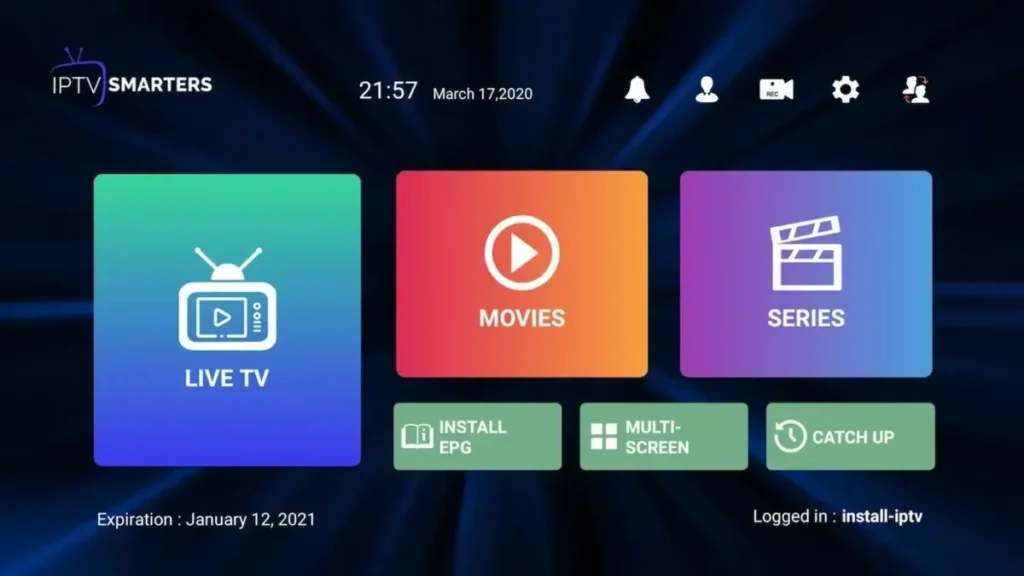
Step-by-Step Installation Manual
Introduction to IPTV Smarters Pro
IPTV Smarters Pro is one of the most popular and versatile media players designed to load IPTV playlists seamlessly across almost any device. We highly recommend utilizing the Xtream Codes API login method, as it ensures fastest sync speeds for your Premium USA PrismIPTV subscription.
Installation for Android, iOS & Smart TVs
1. Open your device's App Store (Google Play Store, Apple App Store, LG Content Store, etc).
2. Search for IPTV Smarters Pro.
3. Download and launch the application.
Note: For Samsung Smart TVs, search for 'Smarters Player Lite' if the Pro version is unavailable.
How to Install IPTV Smarters Pro on FireStick
1. On the Fire TV Home screen, click on the Search glass.
2. Find and install the Downloader app.
3. Go to Settings > My Fire TV > Developer Options, and turn ON Apps from Unknown Sources.
4. Open the Downloader app and type the official Smarters APK link: https://www.iptvsmarters.com/smarters.apk (or Downloader Code: 78522).
5. Click Go to download and install the app.
Setting up your Subscription (Xtream Codes API)
1. Open the application and choose Add User.
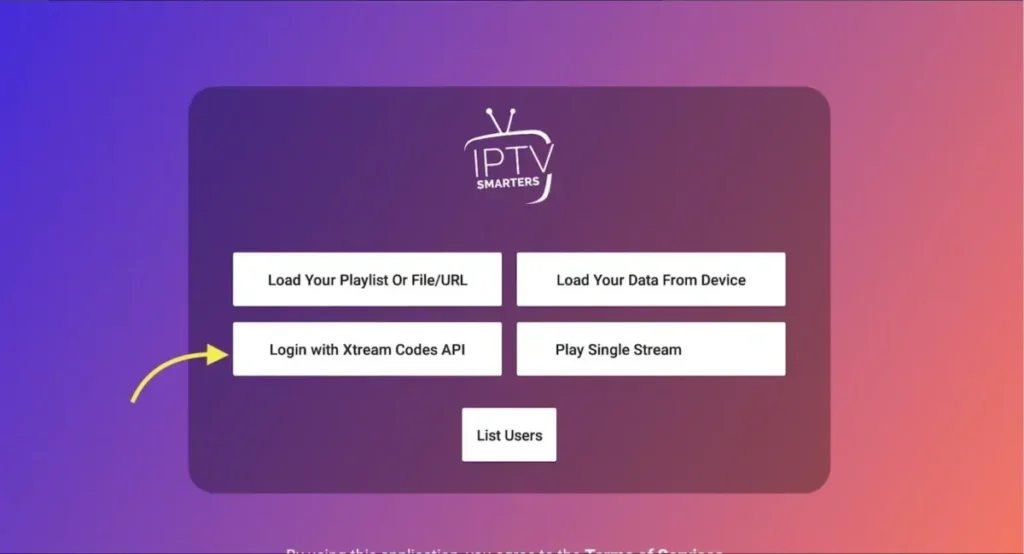
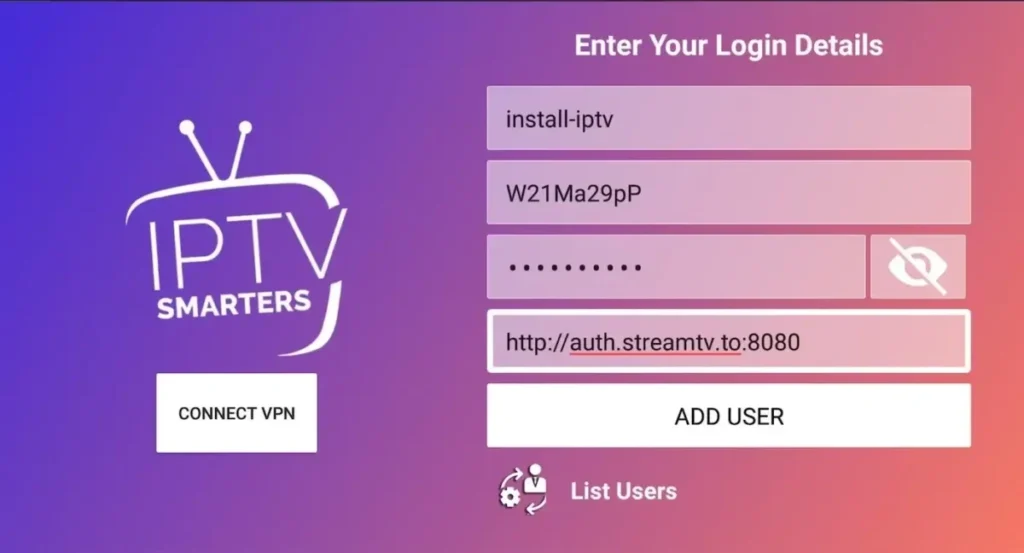
• Any Name: (e.g., PrismIPTV)
• Username: (Provided via WhatsApp/Email)
• Password: (Provided via WhatsApp/Email)
• URL: (Provided via WhatsApp/Email)
4. Click on ADD USER.