
Installation manual for all devices
Introduction to IBO Player Pro
IBO Player Pro is a professional media player designed to load IPTV playlists quickly and stream content smoothly on almost any device. Unlike generic players, it focuses on IPTV usage by supporting standard playlist formats such as M3U and Xtream‑Codes API. The player is optimised for Android smart TVs, sticks, smartphones and tablets and supports all screen resolutions up to 4K. It offers a simple user interface, fast streaming and parental controls. Because the app does not provide any channels or illegal content, you must supply your own legal IPTV subscription and playlist from PrismIPTV.
Installation for Android Devices
1. Open the Google Play Store.
2. Search for IBO Player Pro.
3. Download and install the app.
👉 Direct link: Download in Google Play
Installation for iOS Devices
1. Open the Apple App Store.
2. Search for IBO Player Pro.
3. Simply install the app and launch it.
👉 Direct link: Download in App Store
Installation for LG Smart TV
1. Open the LG Content Store.
2. Search for IBO Player Pro.
3. Install the app and launch it.
👉 Direct Link : Download in LG App Store
Installation for Samsung Smart TV
1. Go to Samsung Apps on your TV.
2. Search for IBO Player Pro.
3. Download and activate the app.
IBO Player Pro App Installation Guide for FireStick
1. On the FireStick Home screen, go to Search.
2. Find and install the Downloader app.
3. Go to Settings > My Fire TV > Developer Options and activate Allow unknown sources.
4. Open the Downloader app and enter this code: 834339
5. Download and install the IBO PlayerPro APK.
Setting up IPTV in IBO Player Pro
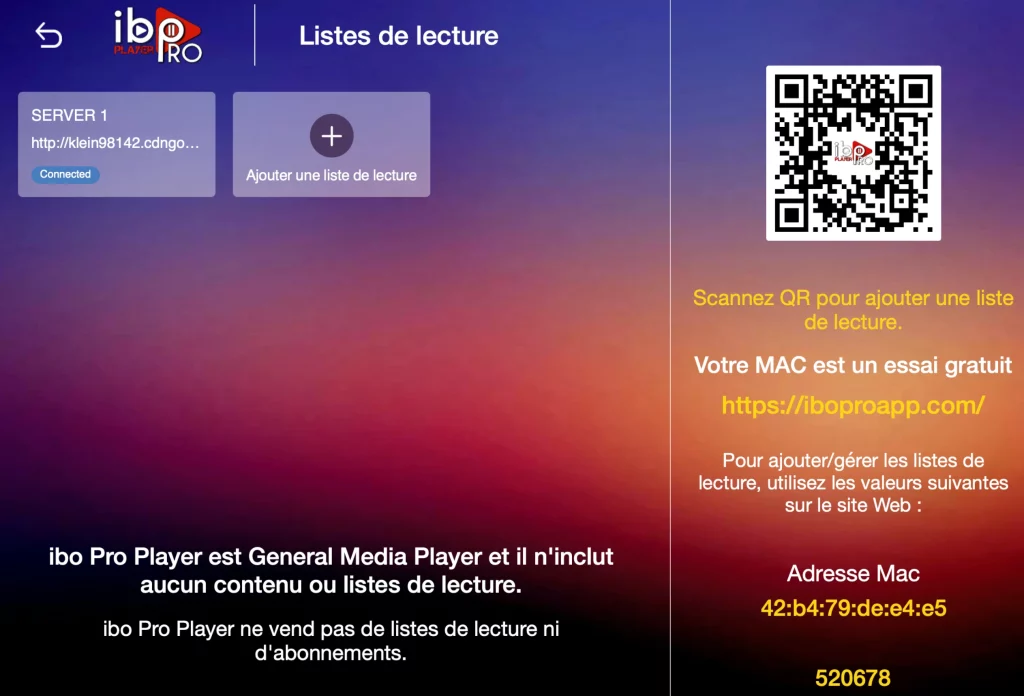
1. Open the app and note down your MAC address and Device Key (important for activation).
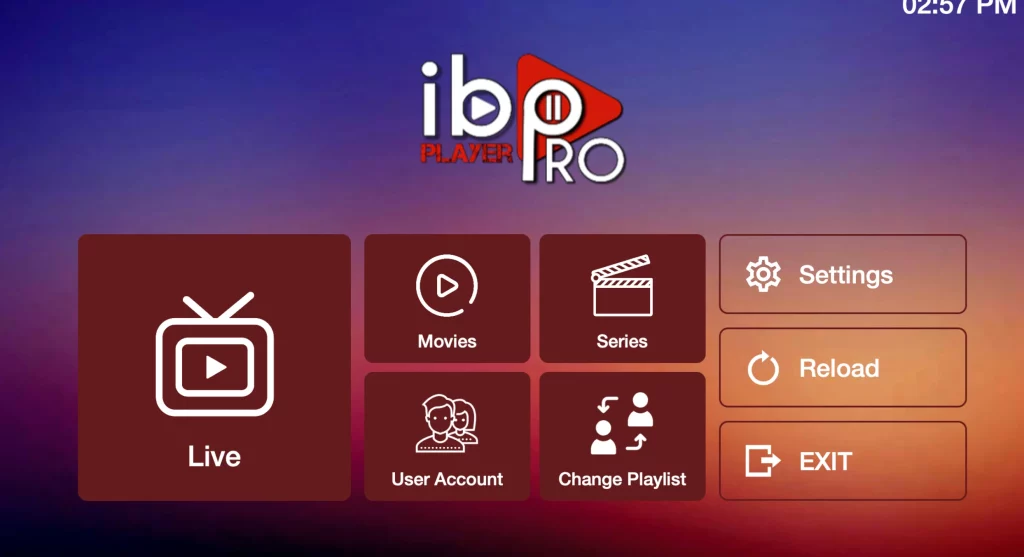
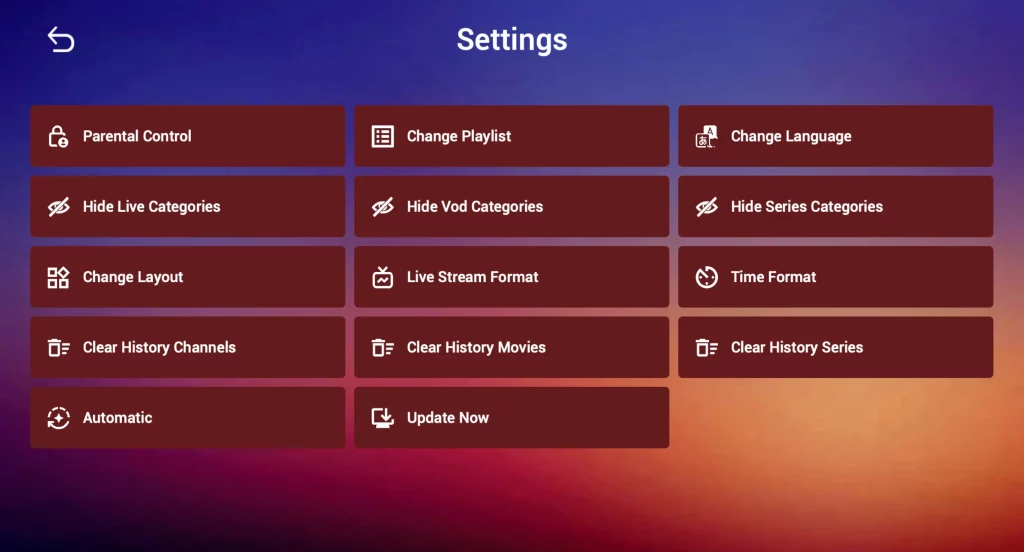
Click on Reload and enjoy +35,000 live TV channels and +140,000 movies!