
How to Get IPTV on Firestick in 2026
The ultimate step-by-step tutorial to sideloading apps, choosing the best players, and unlocking premium 4K streaming on your Amazon device.
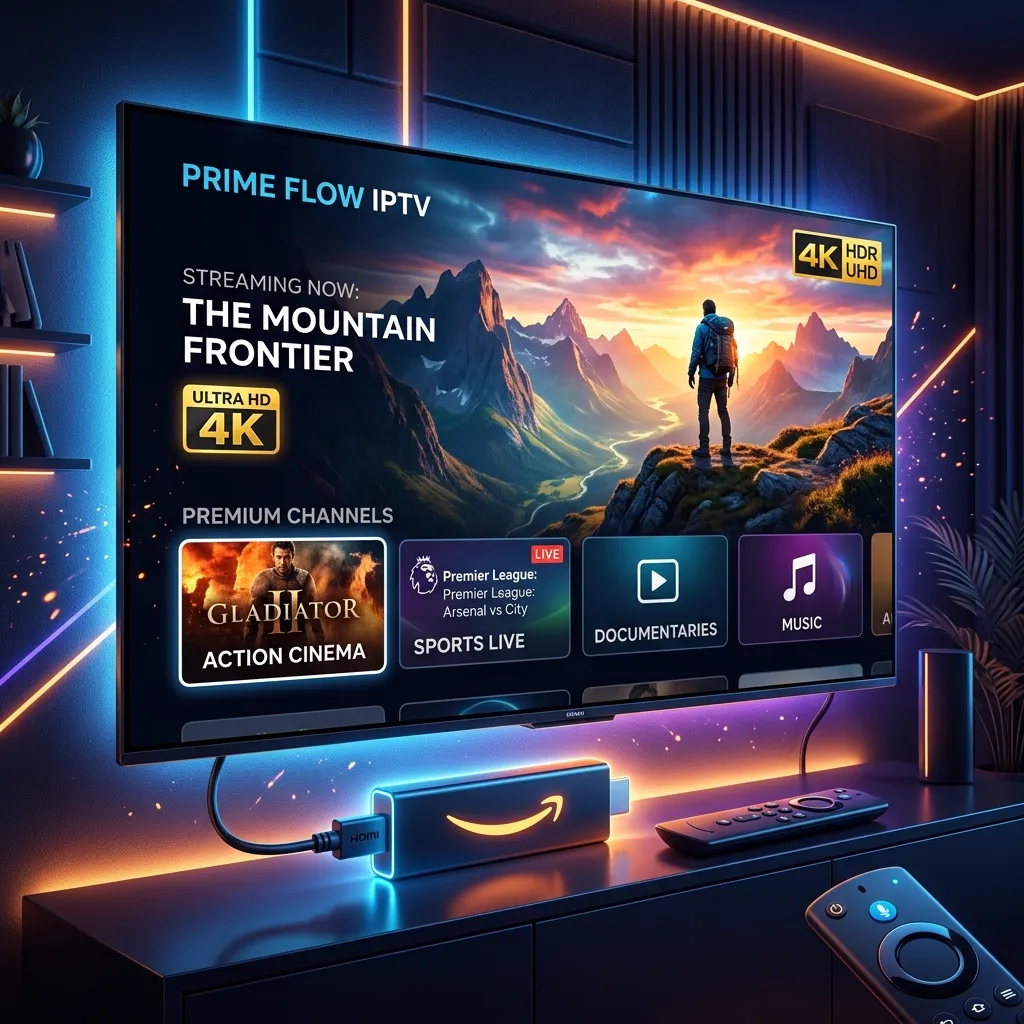
The Amazon Fire TV Stick has revolutionized home entertainment. It's affordable, portable, and remarkably powerful. But while the standard app store is great, the true potential of your device is unlocked when you set up IPTV on Firestick. By doing so, you can access tens of thousands of live channels, sports packages, and VODs at a fraction of the cost of traditional cable.
In this comprehensive guide, we'll walk you through exactly how to get IPTV running on your Firestick, from preparing your device for third-party apps to choosing the right premium service for seamless 4K streaming.
Step 1: Prepare Your Firestick for Sideloading
Because the best IPTV players aren't always available on the official Amazon Appstore, you'll need to "sideload" them. This is a completely safe, built-in feature of the Fire OS that simply requires flipping a toggle.
- Navigate to the Settings icon (the gear) on your Firestick home screen.
- Select My Fire TV (or Device & Software).
- Click on Developer Options.
*If you don't see Developer Options, click on 'About', then click on your device name 7 times rapidly to reveal it. - Turn ON Apps from Unknown Sources.
Step 2: Install the 'Downloader' App
To sideload apps onto your Firestick, you need an application called Downloader. This acts as your browser and file manager.
- Go back to your Firestick home screen and select the Search icon (magnifying glass).
- Type in "Downloader" and select the orange app icon.
- Click Download or Get to install it.
- Once installed, open the Downloader app and Allow it to access photos, media, and files on your device.
Step 3: Download a Top-Tier IPTV Player
An IPTV service provides the content, but an IPTV player provides the interface. Setting up IPTV on Firestick requires a high-quality player to manage your channels and VODs effectively. We highly recommend using IPTV Smarters Pro or TiviMate.
Here is how to get IPTV Smarters Pro using the Downloader app:
- Open Downloader and click on the URL/Search bar.
- Type in the shortcode or URL for the IPTV player. For example, typing smarters.apk (or a specific provider's Downloader code) will begin the download.
- Once the download finishes, a prompt will appear. Click Install.
- After installation, click Done, and then select Delete twice to remove the installation file and free up storage space.
Pro Tip
TiviMate is widely considered the best player for Firestick due to its cable-like interface, but it requires a premium unlock for full features. IPTV Smarters Pro is fantastic and free.
Step 4: Enter Your Subscription Details
Now that you have your player, you need a premium IPTV subscription. When you purchase a subscription from a provider, they will email you your login credentials. These typically come in two forms:
- Xtream Codes API: You will receive a Username, Password, and a Portal URL. This is the easiest method and loads incredibly fast on Firestick.
- M3U Link: A long URL containing your playlist data.
Open your chosen player (e.g., IPTV Smarters), select "Log in with Xtream Codes API," enter your details, and click "Add User". Your channels, movies, and series will begin downloading instantly!
Choosing the Right Service: Why Prism IPTV USA Excels
Getting the app is only half the battle. If you pair a great Firestick with a terrible IPTV service, you're going to experience buffering, freezing, and poor image quality.
To get the absolute best out of your IPTV on Firestick setup, you need a provider built for performance. 4k iptv usa by Prism IPTV is engineered to pair perfectly with streaming devices like the Firestick, offering:
- Full Xtream & M3U Support for instant setup on any Firestick player.
- Anti-Freeze Technology to eliminate buffering during live sports.
- Seamless 4K Streaming that utilizes the Firestick 4K's processing power.
Optimization Tips for Firestick Users
To ensure the absolute best viewing experience:
- Clear Cache Regularly: Go to Settings > Applications > Manage Installed Applications, select your IPTV player, and click 'Clear Cache'. This keeps the app running fast.
- Use an Ethernet Adapter: If you experience Wi-Fi interference, a hardwired ethernet connection to your Firestick guarantees a stable stream.
Ready to unlock your Firestick?
Join Prism IPTV USA today and transform your Firestick into the ultimate entertainment powerhouse.
Start Watching Now →Share this article